Hello again! Today I have a simple card to share with you all - lots of fabulous layers with beautiful, coordinating colours. I created this card with the gorgeous, new (and one of my all time faves) Olde Curiosity Shoppe Collection from
Graphic 45. SWOON! I don't know what it is about odd images paired with gorgeously vibrant colours or the unique patterns and perfectly worn textures on the papers but I am seriously just overwhelmed each and every time I open up a new paper pad...fall in love all over again.
Now, please excuse the sketch. I recently purchased Adobe Photoshop CS5 and I am seriously CLUELESS! This is way over the top photo editing here people! I mean, I am so excited about all the stuff this program
can do but whether or not I will have the time to learn all this program can offer is another story! Even the basic stuff is over my head. (this is not a straightforward program - oh picnik how I miss you!) It's like having an amazing camera and leaving it on "Auto" for 90% of the time (this is me again actually...ahem) In any regard, here is a sketch for you to try if you like the card above. Enjoy!
P.S. ANY and ALL Photoshop tips are GREATLY appreciated. I JUST found out how to remove red eye and am so stoked!!! (I didn't realize if you hold down the side bar items, that a scroll down menu appears on most of them - duh!) I'm going crazy here.





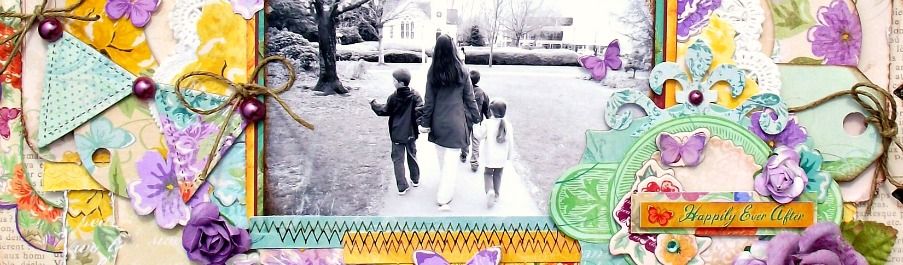



 Hello! Welcome to my blog. My name is Tara and I am a wife and mother to 3 beautiful children who are the heart and soul of my projects. I started scrapping in 2008 and loved it immediately. What a wonderful outlet to explore my love of crafting and photography. Thanks for stopping by.
 All content, including text, photographs and design work is Copyright © Tara Orr and is shared solely for personal inspiration and may not be copied for profit or gain in publications or contest submissions. Written permission is required. Thank you!









4 comments:
Love your card!
Gosh, your card is gorgeous! And I love the sketch you made with it! It looks like you can do amazing things with this version of Photoshop!
And big congrats on making the G45 design team:) I was so excited to see you made it, I can't wait to see all the gorgeous creations you'll make with their products this year!
Coucou, ta petite carte est très jolie, bises
Love your cards. About the PhotoShop tips, there are some affordable online classes you can take to learn some good tips and techniques. I don't have PhotoShop CD5 yet but am considering buying it so I've been doing some research. I've used it a lot in the past and my version is very outdated. Good luck.
Post a Comment